Mobile data for a 3–7 day business trip to Osaka, Kyoto or Kobe: eSIM, pocket Wi-Fi or SIM card?
An eSIM for getting around and staying in touch, hotel or venue Wi-Fi for anything heavy. Where to pick up a SIM or pocket Wi-Fi at Kansai and Itami airports, opening hours, and what to do if you land late, checked on the official sites.
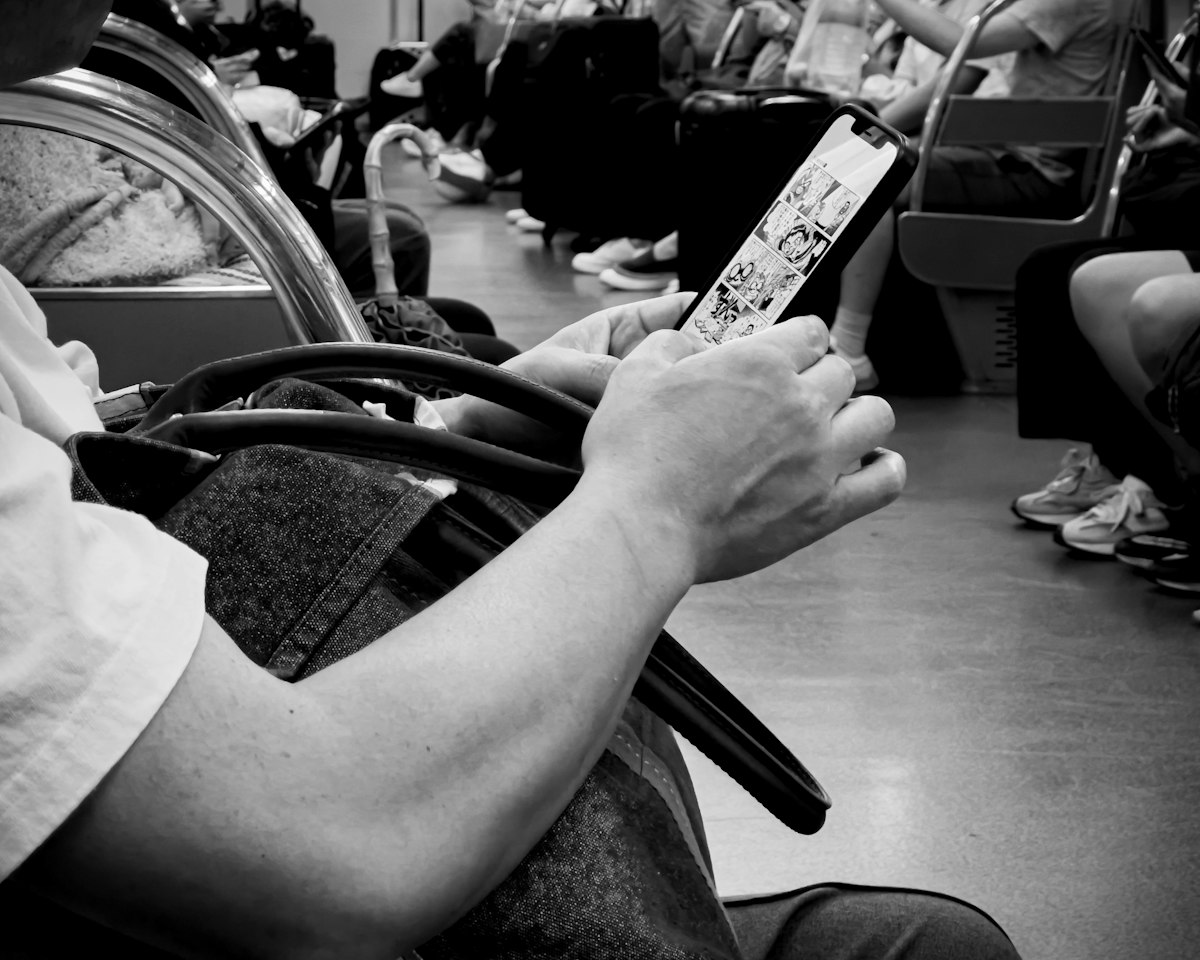
Photo: Kyle Hinkson on Unsplash
- eSIM, pocket Wi-Fi or a physical SIM: which should I get?
- I need to stay in touch with HQ and send big files. Will an eSIM handle that?
- Can I just buy it at Kansai Airport when I land? What if I arrive late?
- Is my home carrier’s roaming good enough? Will a company phone take an eSIM?
- Do I need a Japanese phone number?
- Quick picks
- Sources (checked October 2026)
This article contains affiliate links. Prices, pickup points and opening hours were checked on each provider's and each airport's official site on 29 October 2026.
The short answer: for a 3–7 day business trip to Kansai, an eSIM installed before you fly covers getting around and staying in touch, and hotel or venue Wi-Fi covers anything heavy. Keep tethering to the minimum (looking things up, answering email on a laptop). Only if you must have a laptop online away from Wi-Fi, rent pocket Wi-Fi. Kansai International Airport (KIX) is open around the clock, but its staffed counters close at 23:00, so if you land late, an eSIM installed at home matters even more.
eSIM, pocket Wi-Fi or a physical SIM: which should I get?
For 3–7 days, one person and mostly phone use, buy an eSIM before you leave home. If you will keep a laptop on a mobile connection all day on a booth at Intex Osaka or Grand Cube Osaka, need several devices online, or carry a company phone that will not accept an eSIM, rent pocket Wi-Fi. Choose a physical SIM only if your phone cannot use an eSIM.
The reasoning is simple. An eSIM is installed on your phone before the flight, so you land with data working and there is nothing to collect or return. Pocket Wi-Fi is a small battery router: pickup and return take effort, but it connects a laptop and a phone at once and does not depend on what your phone allows. A physical SIM means swapping cards in an unlocked phone, the least convenient option for a short trip.
One pick per type:
- eSIM: Airalo Japan. For a solo traveler who mainly uses a phone. Unlimited data at US$11.50 for 3 days, US$17.00 for 5, US$26.50 for 7, US$48.00 for 15. “Unlimited” comes with a fair-use condition: 3 GB a day at high speed (20 Mbps), reduced speed for the rest of that day (from Airalo’s own description of its Unlimited packages). See Airalo Japan plans →
- Pocket Wi-Fi: NINJA WiFi. For anyone who needs a laptop online away from Wi-Fi or has more than one device. 4G from 440 yen/day (1 GB/day) up to unlimited at 1,980 yen/day; 5G 2,200 yen/day. Pick up at KIX Terminals 1 and 2 or Itami South Terminal, or have it delivered to your hotel in Osaka, Kyoto or Kobe (order by 14:00 Japan time the day before).
- Physical SIM: NINJA WiFi SIM (SHOGUN SIM). For a phone that cannot take an eSIM. Japan-only plans from 3,740 yen for 15 GB over 60 days (5G on the SoftBank network).
Prices are quoted in the currency each provider uses (US dollars for the eSIM, yen for the Japanese rental and SIM services).
I need to stay in touch with HQ and send big files. Will an eSIM handle that?
For calls, chat and email, yes. For large files, plan on not using it: send those over hotel or venue Wi-Fi. That is the whole answer.
Think of the mobile line as the tool for maps, messaging and email on the move, and for looking things up at the venue. One eSIM does all of that without trouble, even on a day of trains between Osaka, Kyoto and Kobe, and answering email on a laptop over your phone’s hotspot is fine too. Video and large decks are different: whichever line you choose, they run into a daily cap quickly, so plan from the start to move them over Wi-Fi.
Tethering conditions differ by product (checked on each official site, 29 October 2026):
- Airalo Japan (Unlimited): tethering is allowed, and tethered data counts toward the 3 GB-a-day high-speed allowance. One 1 GB video upload uses a third of that day’s full-speed data. “Unlimited” eSIMs from any provider normally carry a daily cap like this, so read the tethering terms before you buy. See Airalo Japan plans →
- NINJA WiFi (unlimited plan): connects a laptop directly, so this is the option if you truly need a laptop online away from Wi-Fi. Rental routers can still be subject to usage limits depending on how heavily you use them, so the rule stays the same: heavy transfers go over Wi-Fi.
For anything heavy, use your hotel room’s Wi-Fi or the venue’s Wi-Fi. Where venue Wi-Fi is available, whether you have to apply for it and what it costs differ from venue to venue; if you are exhibiting or presenting, check the venue’s official site or the organizer’s guidance in advance. Our venue guides cover how to get to each venue and where to stay nearby.
Can I just buy it at Kansai Airport when I land? What if I arrive late?
At KIX, yes. Terminal 1’s international arrivals lobby (1F) has rental and SIM counters, including a shared Global WiFi / NINJA WiFi counter, open 6:00–23:00. NINJA WiFi’s counter in Terminal 2 is open 7:00–21:30.
If you land after 23:00, every staffed counter is closed. What still works through the night are the SIM vending machines and the pickup lockers on 1F of Terminals 1 and 2. NINJA WiFi’s locker pickup (Terminal 1, 1F north) offers slots from 0:01 if you order by 15:00 Japan time the day before. Even so, buying a SIM from a machine and setting it up in the arrivals hall after a long flight takes longer than it sounds. If you land late, install an eSIM at home before you fly, so data works as soon as airplane mode goes off.
The airport’s free Wi-Fi, “#AirportFreeWiFi-Kansai”, does not cover some of the international arrival routes, according to the airport’s own page, so do not count on it to get in touch before you clear immigration.
Itami (Osaka International Airport), if you connect on a domestic flight: the rental counters (Global WiFi, and NINJA WiFi pickup) are on 1F of the South Terminal, 10:00–19:00, and SIM vending machines on 1F of both the North and South terminals run 24 hours. If you arrive anywhere other than KIX, including Kobe Airport, an eSIM installed before departure is the safest choice.
Is my home carrier’s roaming good enough? Will a company phone take an eSIM?
Two checks cover most cases.
Check how your roaming is billed. A flat daily rate is acceptable for a three-day trip if you do not tether. Pay-per-megabyte roaming can turn ordinary use such as maps and email into a bill of several hundred dollars or more. Read your carrier’s roaming terms before you leave, not at the airport.
Check whether your phone will accept an eSIM. Carrier-locked phones and phones managed by a company can refuse a new eSIM profile. Check in the phone’s settings before departure. If the phone is locked or your IT department controls it, take pocket Wi-Fi and leave the phone’s own plan as it is.
Do I need a Japanese phone number?
For most business trips, no. The one exception is if you will be phoning or texting Japanese clients during the trip: then get a separate line that comes with a Japanese number.
What works without a Japanese number (checked on the official sites, October 2026)
- GO taxi app: accepts overseas mobile numbers for registration since November 2023, and overseas-issued credit cards. You only need to receive the SMS verification code.
- Train IC card: on iPhone, the “Welcome Suica Mobile” app issues a Suica with no membership or personal details, valid 180 days. No phone number involved. JR East says it can be used anywhere in Japan that shows the IC logo, which includes trains in Kansai.
- Hotels: they contact you on the overseas number you gave when booking. A Japanese number is almost never asked for.
- SMS verification in general: codes sent to your home number arrive as long as roaming for SMS stays on (some plans charge for received messages; check before you leave).
Data-only eSIMs (Airalo, and NINJA WiFi’s SIM and eSIM) come without a phone number. Japanese law requires identity verification for any line with a phone number; data-only service is what you can use without that step.
Emergency numbers (a data-only eSIM cannot place calls: use your home SIM on roaming, or the hotel phone)
- Police 110, Fire and ambulance 119
- Japan Visitor Hotline (Japan National Tourism Organization) 050-3816-2787: 24 hours, 365 days, in English, Chinese and Korean, for accidents, illness, disasters and general travel questions
If you do need a Japanese number
Neither Airalo nor NINJA WiFi, the two products we recommend above, offers a plan with a number. One option that does:
- Mobal “Voice + Data SIM”: a 070/080/090 number, 4,950 yen for the SIM plus plans from 1,650 yen a month (1 GB). Pickup is free: show your order confirmation and passport. Pickup points include the tourist information centre in KIX Terminal 1 and the tourist information centres at Osaka and Kyoto stations, or you can have it shipped to you before you travel. Better suited to people who come to Japan month after month than to a single short trip. See the Mobal Japan SIM →
Quick picks
- One person, phone only, 3–7 days: Airalo Japan eSIM, installed before departure.
- Large files: hotel or venue Wi-Fi. The mobile line is for getting around and staying in touch. Check the venue’s Wi-Fi terms in advance.
- Laptop online away from Wi-Fi, several devices, or a locked company phone: NINJA WiFi, picked up at KIX or Itami, or delivered to your hotel.
- Landing at KIX after 23:00: counters are closed, so install the eSIM before you fly.
- Phoning or texting Japanese clients: Mobal Voice + Data SIM with a Japanese number (passport check at pickup).
Sources (checked October 2026)
- Airalo Japan eSIM, Airalo Unlimited packages (tethering, 3 GB/day)
- NINJA WiFi plans, NINJA WiFi SIM, NINJA WiFi airport pickup (KIX, Itami), locker pickup, hotel delivery
- Mobal Japan SIM Card
- Kansai International Airport: Wi-Fi and SIM rental (Japanese), Kansai International Airport: free Wi-Fi (Japanese)
- Itami Airport: Wi-Fi and SIM rental
- GO app: overseas phone-number registration from 10 Nov 2023 (Impress Watch, Japanese), GO app registration steps (official support)
- JR East: Welcome Suica Mobile, Welcome Suica Mobile press release
- Japan Visitor Hotline (JNTO)
Change log: published 29 October 2026. Updated the Mobal link on 30 October 2026.